
Eight industries, one web workspace
GIS answers
for eight industries
Each industry page lists the workflows GeoPilot runs in the browser for that sector, with prompts you can try, a worked example, public data worth using and the things GeoPilot does not do.
Vector analysis · Web
Buffers, overlays, spatial and attribute joins, counts in polygons, hexbins, IDW surfaces, clustering, charts and styled maps, on the layers you upload or load from OpenStreetMap and Natural Earth.
Every paid planFlood screening · Web
Downloads the Copernicus 30 m elevation model for a place, computes height above nearest drainage, maps depth for a river rise or a still-water level and flags which features of any layer fall in each depth zone. A screening method, not a hydraulic model.
Every paid planIndustry solutions
Pick your industry
The tags show how many vector and flood screening workflows each page carries. Every prompt on those pages opens in the workspace.
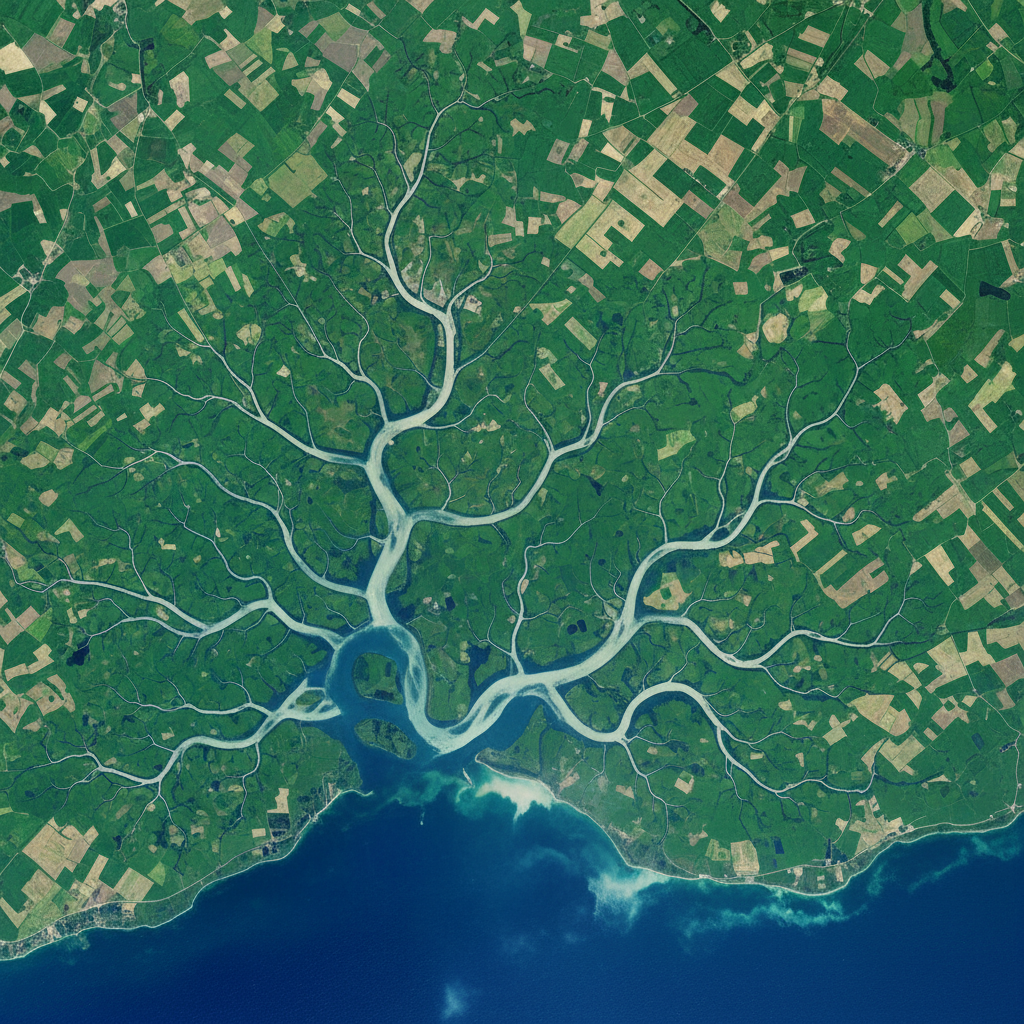
Water & Hydrology
Catchment coverage, asset buffers, EPANET runs and flood screening in plain English.
Explore workflows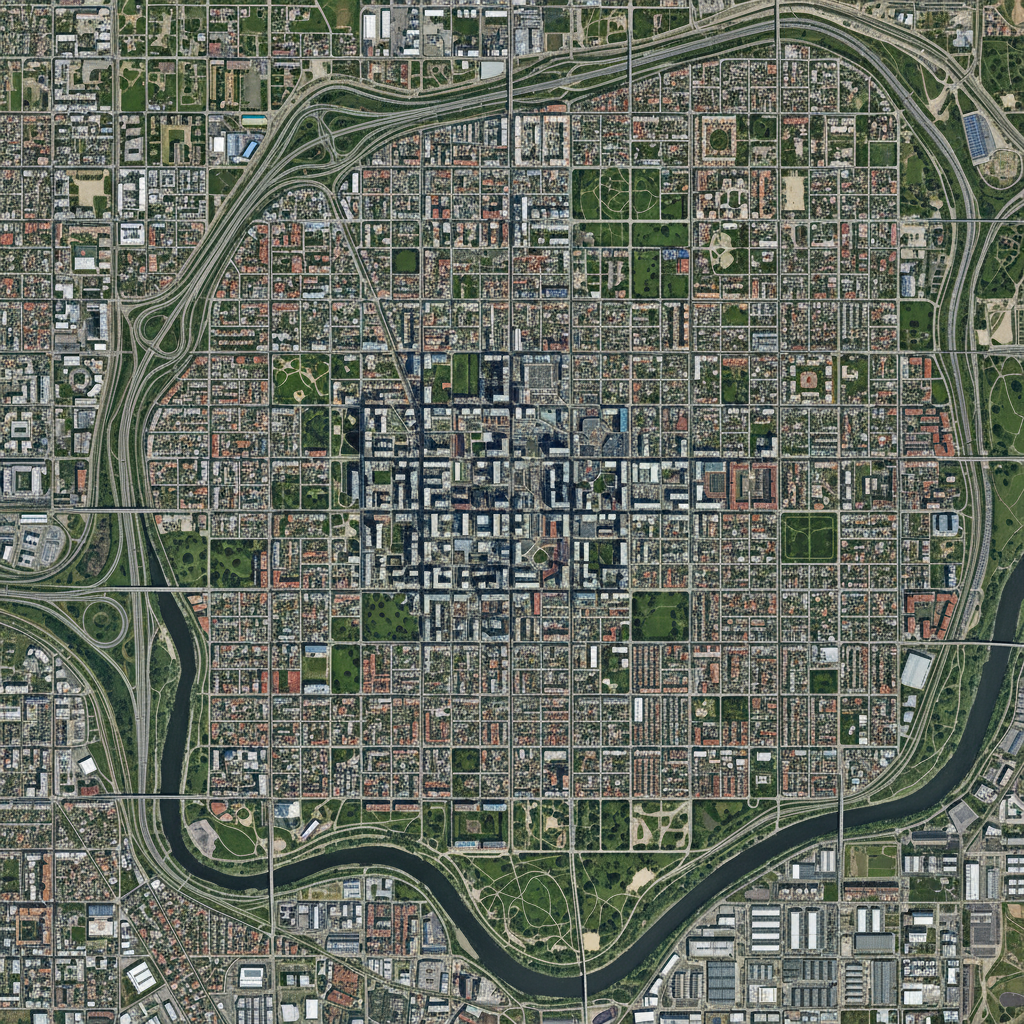
Urban Planning
Site suitability, zoning overlays, transit and park access by distance, and parcel flood screening.
Explore workflows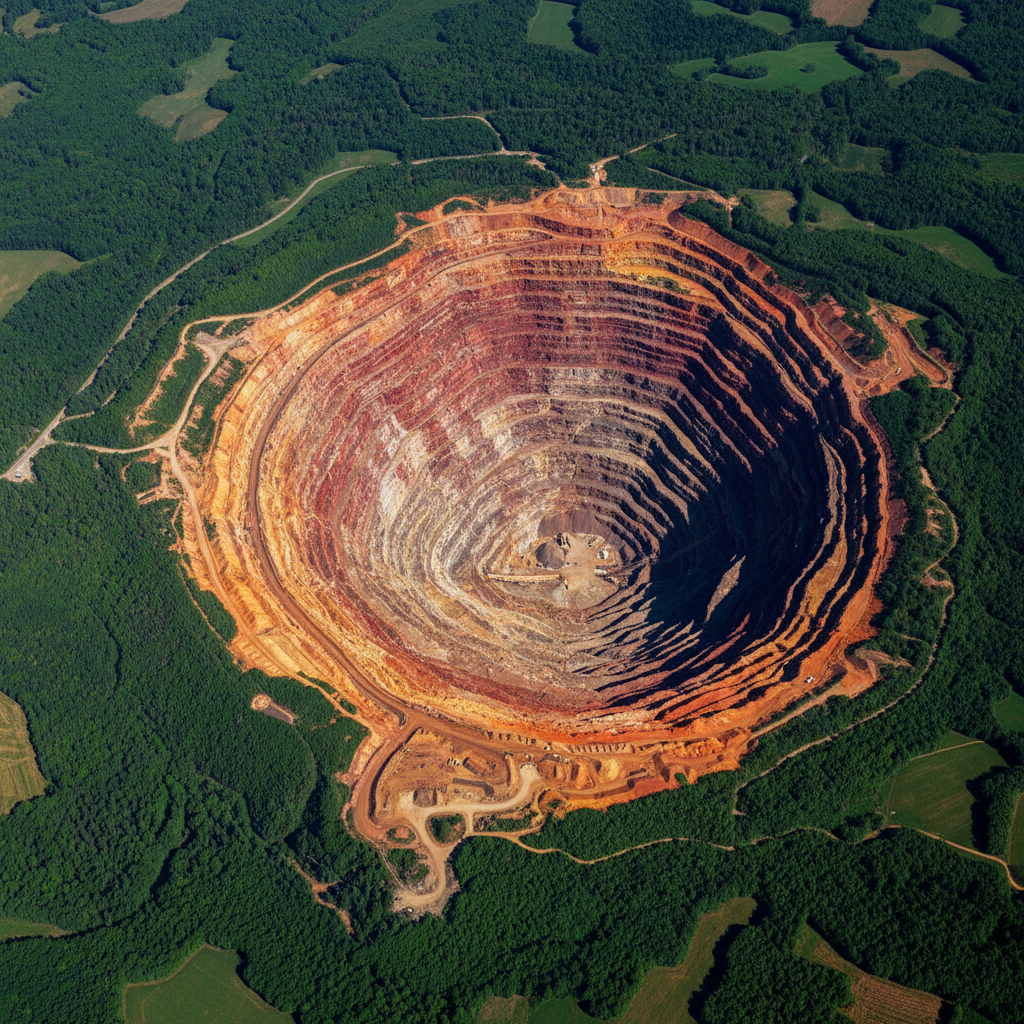
Mining & Resources
Tenement overlays, environmental buffers, settlement distances and lease summaries.
Explore workflows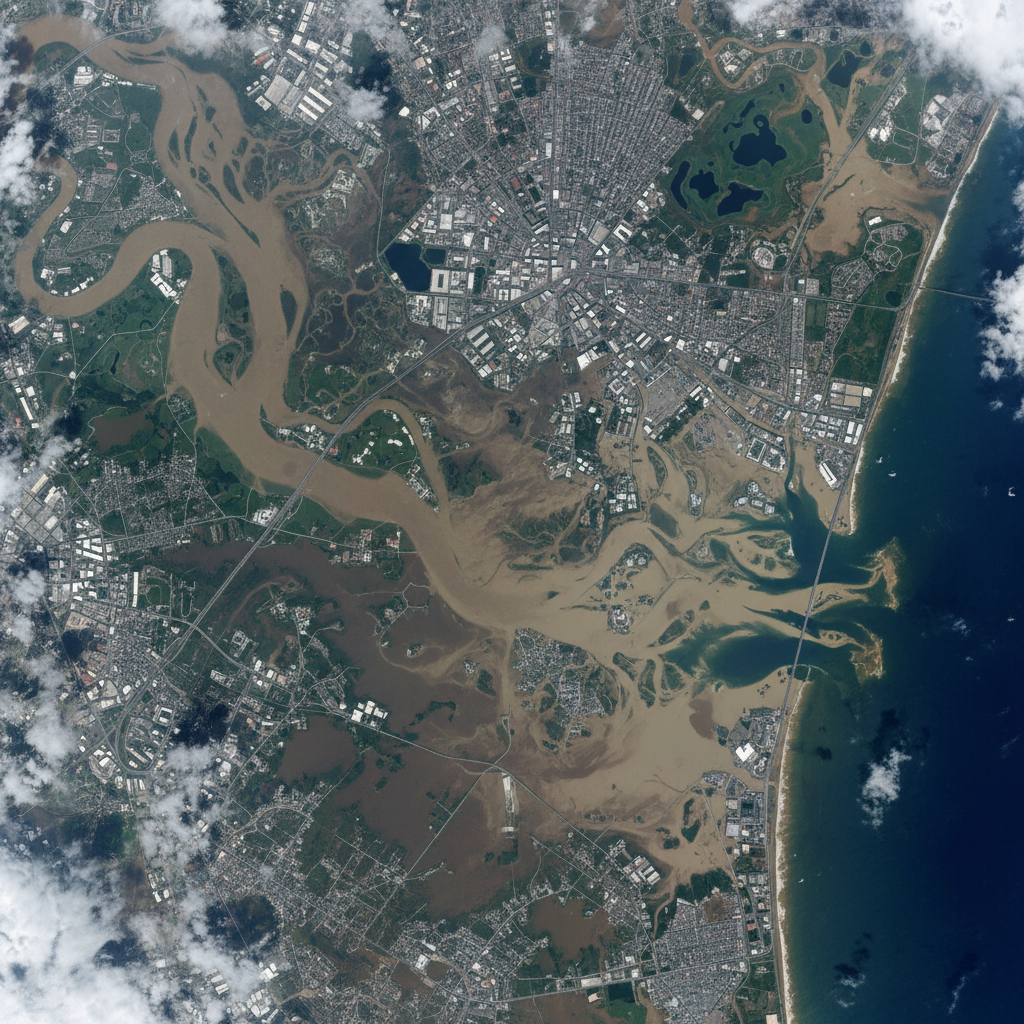
Insurance & Risk
Hazard zone exposure, peril distances, accumulation and flood screening for underwriters.
Explore workflows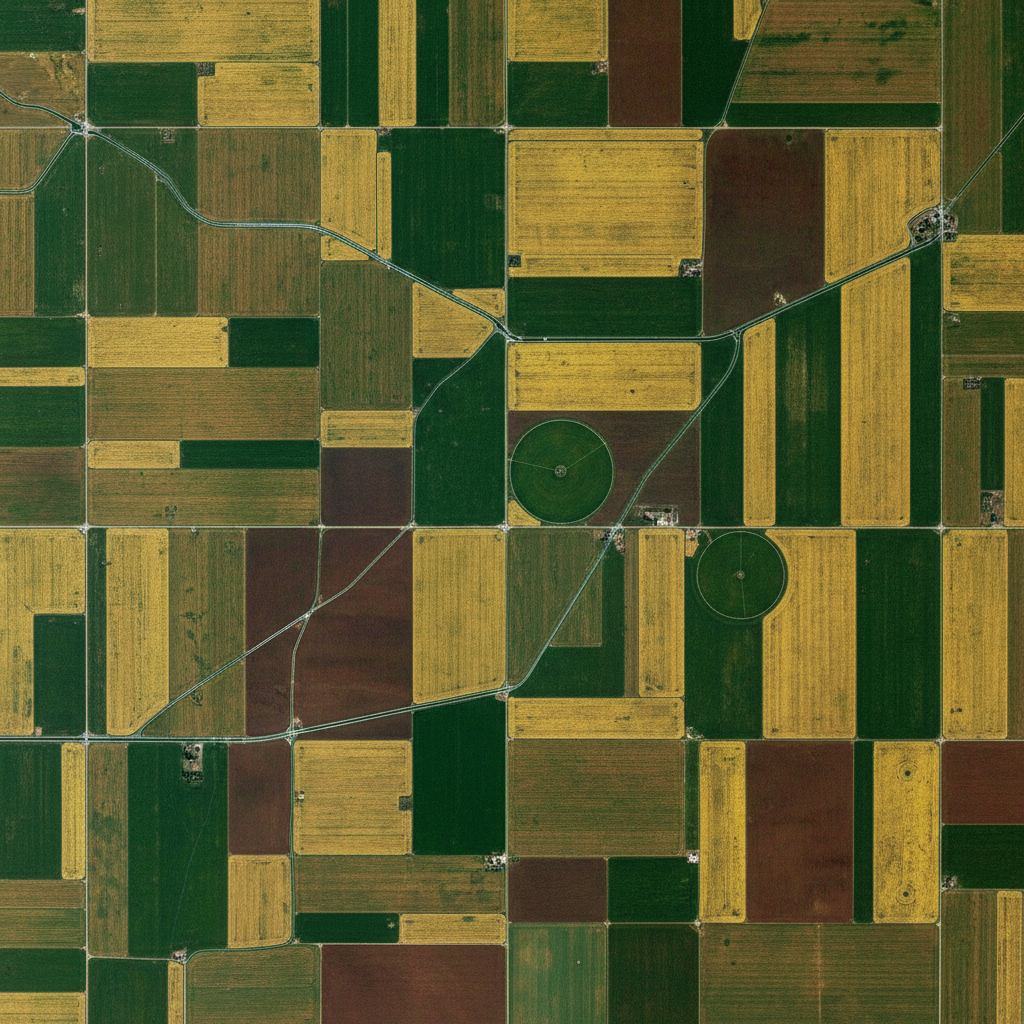
Agriculture
Field and soil joins, distance to storage, farm roll-ups, rainfall maps and farmland flood screening.
Explore workflows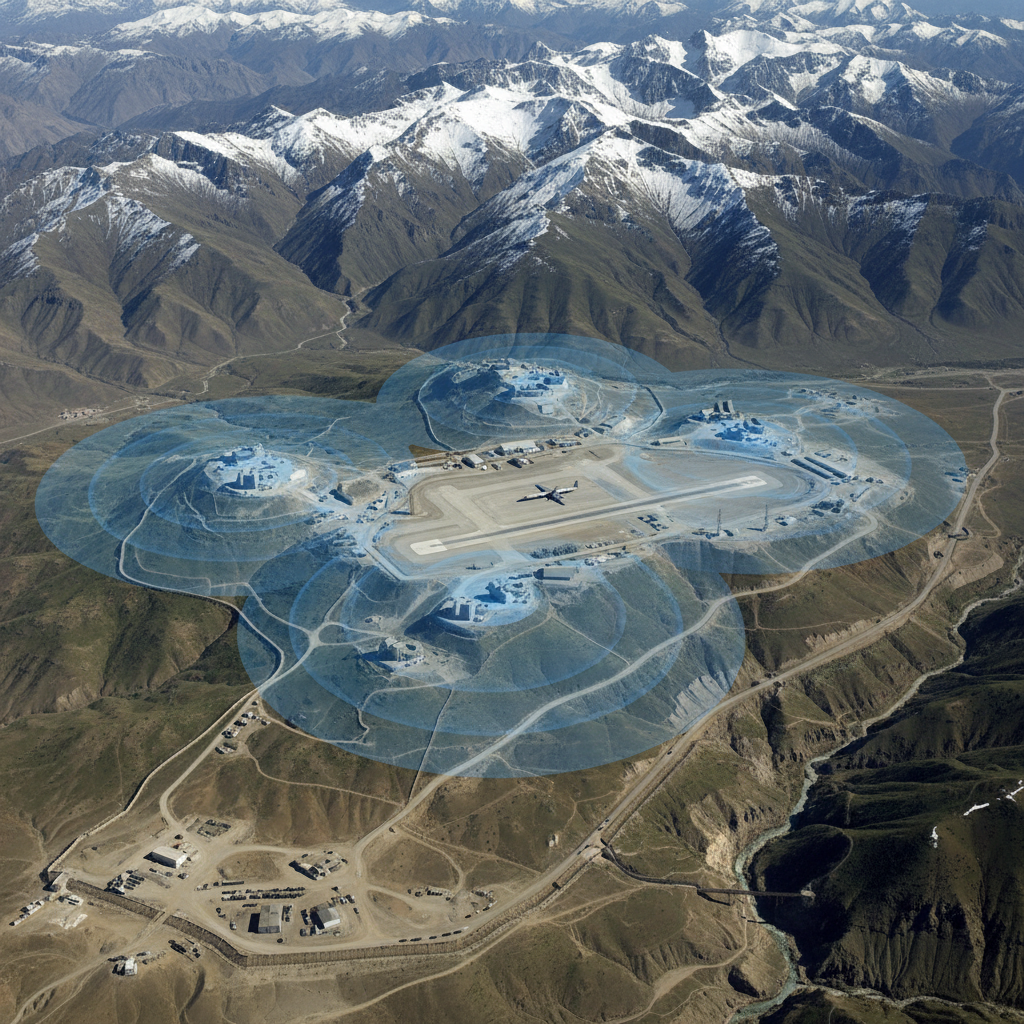
Defense
Infrastructure proximity, settlement buffers, route corridors and restricted-zone checks.
Explore workflows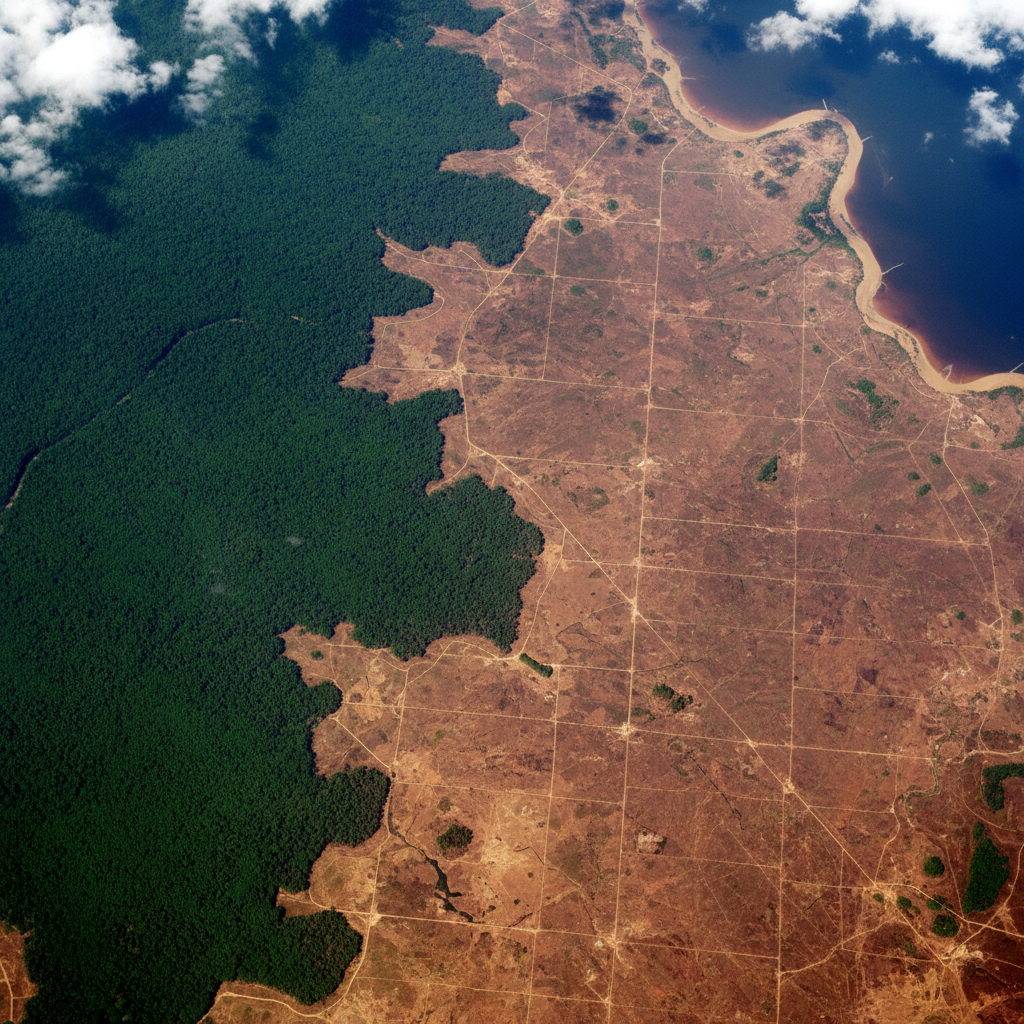
Climate & ESG
Asset hazard overlays, emissions maps, protected-area distances and flood screening for ESG reporting.
Explore workflows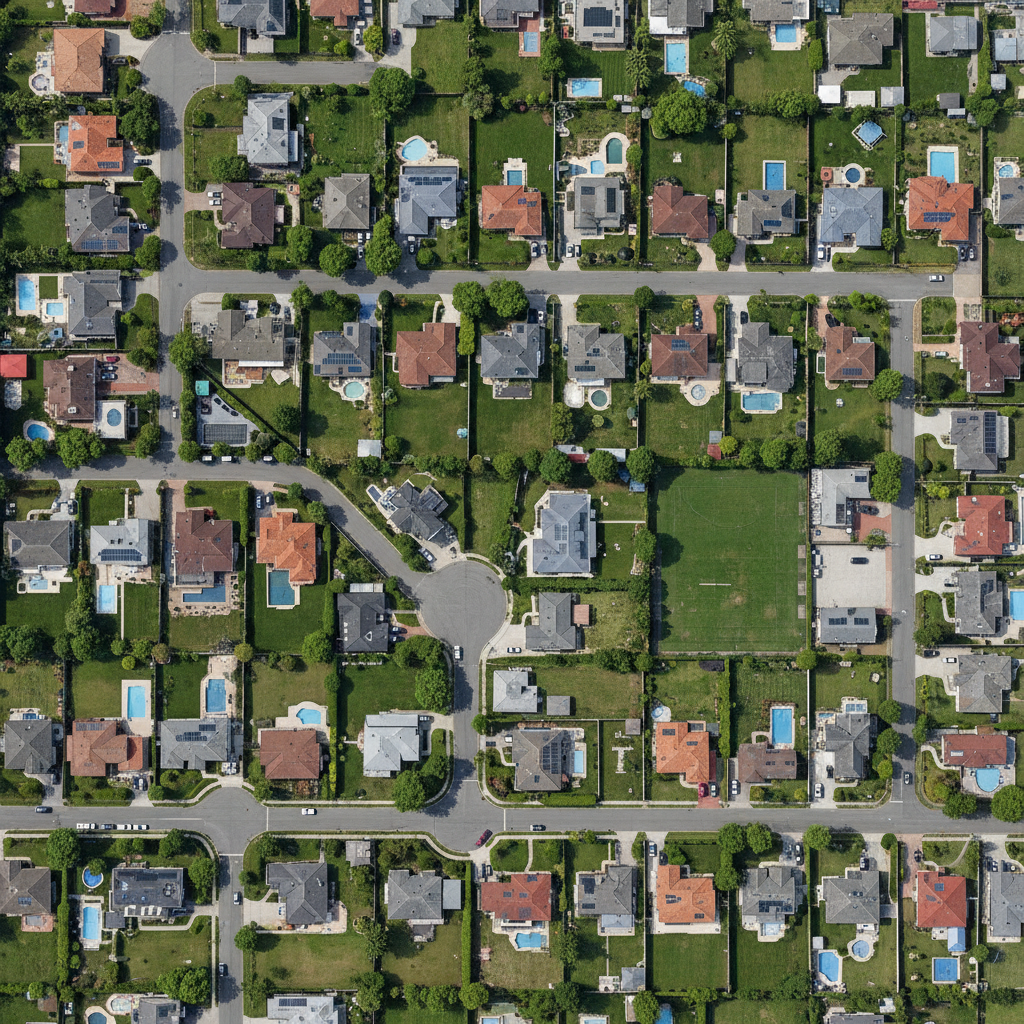
Real Estate
Parcel screening, price maps, amenity distances and flood checks on parcel and transaction data.
Explore workflowsHow each industry uses it
- Water & Hydrology
- Utilities and hydrology consultancies use it to total what each catchment or service zone serves, check assets against buffers, run EPANET models they already have, and screen which pumps and plants a river rise would reach.
- Urban Planning
- Planning teams use it to shortlist parcels by zoning, size and distance to transit, measure how much of each neighbourhood is near a park, and check which parcels and buildings fall in a flood screening zone.
- Mining & Resources
- Mining and exploration teams use it to check tenements against protected areas and rivers, list the settlements near an operation with their distances, and total a lease portfolio by district or commodity.
- Insurance & Risk
- Underwriting and exposure teams use it to total insured value inside published flood zones, build accumulation grids, measure distance to faults and fire stations, and screen a book for river flood depth where no flood map exists.
- Agriculture
- Agronomy, irrigation and agritech teams use it to attach soil classes to fields, find fields far from storage, roll up sown area by district, interpolate rain gauge readings, and total the cropland a river rise would reach.
- Defense
- Defence, civil protection and humanitarian logistics teams use it to list infrastructure near an area of interest, check tracks against restricted zones, review what lies along a planned route, and see which roads a river rise would cut.
- Climate & ESG
- Sustainability teams use it to place every facility and supplier against the hazard and water-stress layers they hold, map reported emissions by site, list operations near protected areas, and screen coastal sites for a still-water level.
- Real Estate
- Developers, investors and proptech teams use it to filter parcels by zoning and built density, map prices from transaction points, count amenities in rings around a site, and check a shortlist against flood zones.
GeoPilot Desktop
Desktop is not released yet
A desktop edition for raster work on your own machine is in development. It is not available today, and nothing on the industry pages depends on it. Leave your details if you want to hear when early access opens.